Posters
Below, examples and guidelines on how to create your posters for both internal and external use.
Their layout follows the graphic guidelines composition system.
You are invited to make use of our full color palette. The font to be used is: Roboto.
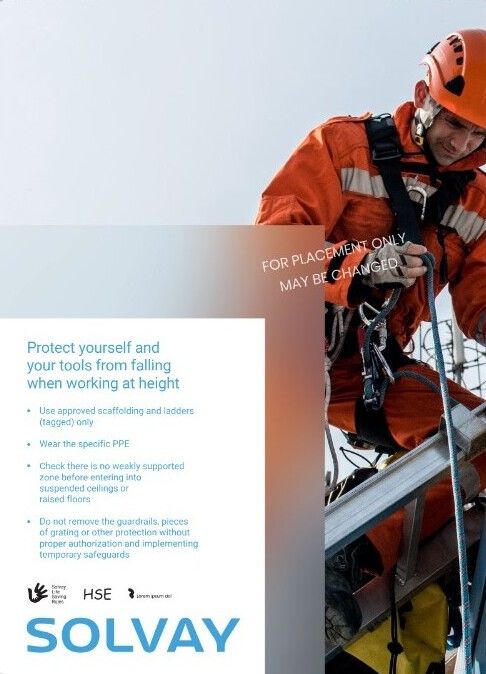 Poster with big image | 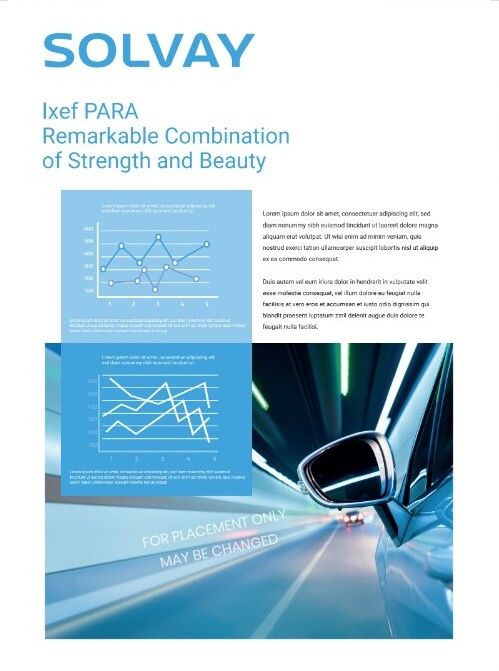 Poster with image | 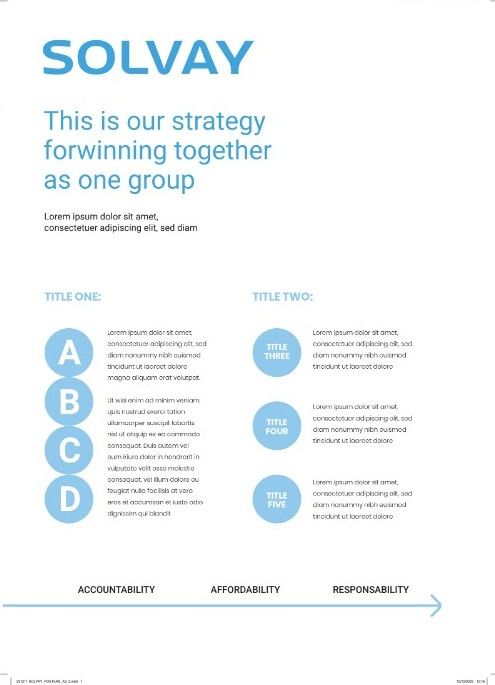 Poster without image |
- Make a copy of the document
- Pick the layout you prefer
- Replace the image with other relevant for your communication (right click > Replace image) > The Image you choose should be HD or at least 300 dpi.
- Replace the text with what’s relevant
- Download as PDF document
Download the poster landscape template A4
Download the poster portrait template A4